Excel Quantity & Specification Schedule Template: The Complete Guide
A complete guide to building a quantity and specification schedule in Excel step by step, with real project examples and common mistakes to avoid when pricing a bid.
A quantity and specification schedule in Excel is a structured template that breaks project scope into measurable line items — quantity, unit, price, and technical specification — helping contractors take off quantities and price a bid accurately before execution starts.
This template is one of the most widely used tools in the contracting industry, because it's the step that determines pricing accuracy from the start. Any error in the quantity take-off phase flows directly into your profit margin, and sometimes into real losses on the project. In this guide, we'll cover everything you need to know: the basic structure of the schedule, how to adapt it across different project types, and how a system like Moonsab can save you the time and effort this process usually takes.
Quantity Take-Off Schedule in Excel
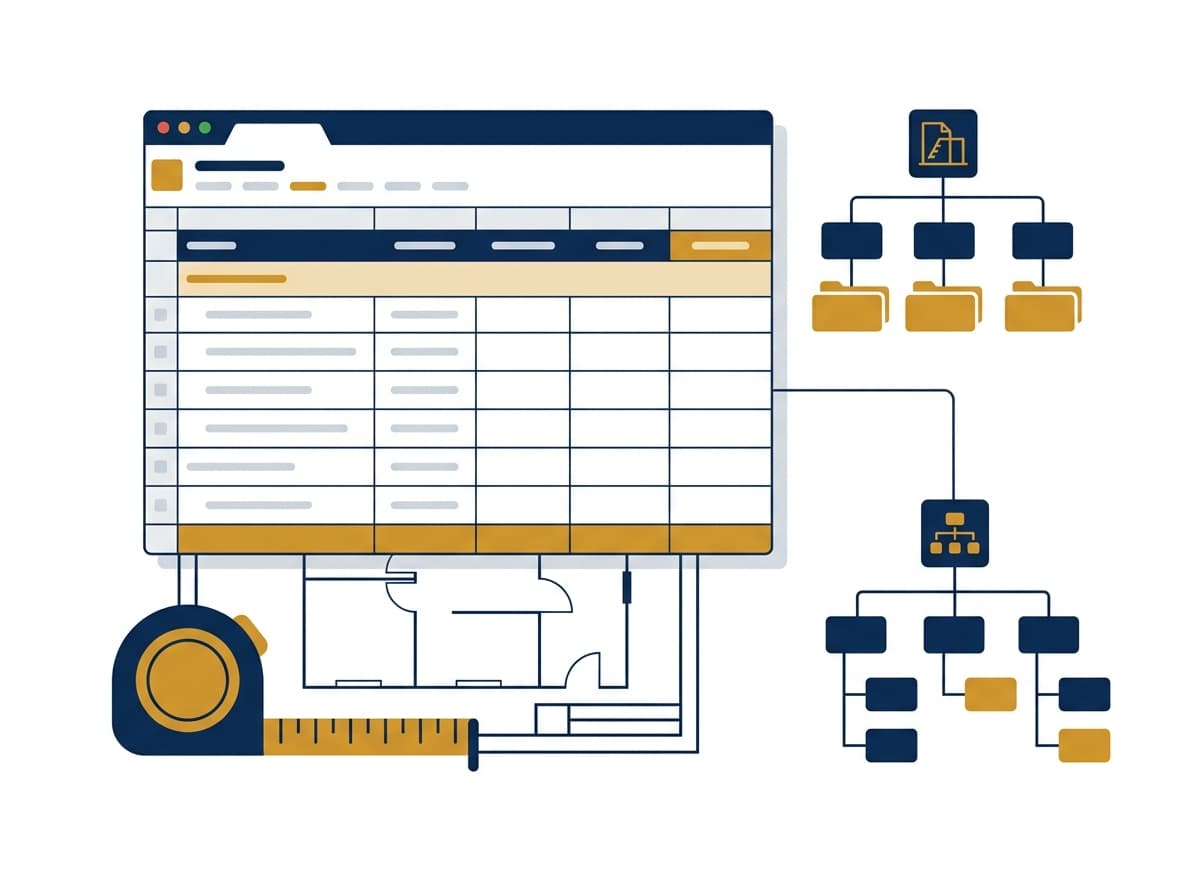
A quantity take-off schedule in Excel is typically built from a core set of columns: item code, item description, unit (m², m³, ton, number...), quantity, unit price, and total. The idea is to break the project down into small, measurable line items so you can calculate total cost accurately.
The advantage of Excel is flexibility — you can add columns like "technical specification," "reference," or "engineer's notes," and link prices with automatic formulas instead of calculating manually. The main drawback is that the sheet stays a standalone file, disconnected from the rest of the project's data, which causes problems as the number of items grows or when more than one person works on the same file.
PDF Quantity Schedule Template
Some companies prefer to convert the quantity schedule to PDF after pricing, especially when the goal is to present the bid to the client or project owner. A PDF version is usually the final, non-editable copy, preserving the table exactly as it is so no one can accidentally change the numbers.
The problem is that manual conversion from Excel to PDF takes time, and any small change to a quantity or price means redoing the conversion from scratch. If your system generates the PDF automatically from the same schedule data, you skip this step entirely and reduce the risk of human error.
Finishing Works Quantity Sheet
Finishing items have a different nature than structural works, because they vary based on material type, area, and fine details like paint, tiling, suspended ceilings, doors, and windows. A finishing quantity sheet needs to be more detailed than a general schedule, and may need to be broken down room by room or zone by zone.
The key point here is linking every finishing item to its technical specification (material type, brand, grade), so that when execution begins, there's no dispute between the contractor and the owner over the agreed specification.
Quantity Schedule for a Villa Project in Excel
Villa projects differ from larger projects in that the number of line items is relatively smaller, but detail accuracy matters more, since the owner tends to follow every detail closely. A villa quantity schedule is usually split into phases: excavation and foundations, structural concrete work, masonry, finishing, and MEP.
If you're using the same general template for a smaller project like a villa, it's best to simplify the columns and focus on the items that actually affect cost, instead of carrying over the same complexity used for larger projects.
Quantity Schedules in Construction Projects
In large construction projects, the quantity schedule becomes part of a broader system called a Work Breakdown Structure (WBS), which breaks the project down into levels: project → system → sub-elements. For example: project → mechanical works → chilled water circuits → pumps.
This hierarchical breakdown makes it easier to track each item individually, know who's responsible for it, and compare estimated cost to actual cost as the project progresses. Without a clear structure like this, the quantity schedule turns into a massive Excel file that's hard to review or track as the project moves forward.
Full Project Quantity Take-Off
A full project quantity take-off means covering every item from excavation to final handover, without leaving any part unestimated. The basic steps are:
Break the project into main phases and systems
Break each system down into measurable items
Define the right unit for each item
Calculate quantities based on drawings and specifications
Price each item and link it to the overall total
If any of these steps is done wrong, it affects everything after it — which is a key reason many companies now prefer a digital system over relying entirely on separate Excel files.
How Moonsab Handles This Step
In Moonsab, quantity take-off isn't a separate step from the rest of project management — it's part of one integrated system. You can build your bid estimate tree using the same WBS logic, define project levels (WBS Element), and link them directly to the Bid and its Bid Items, so you see the entire quantity tree on a single screen instead of switching between scattered files.
The core benefit is that any change to a quantity or price updates automatically everywhere it's linked, without needing to revisit every file separately. You can explore this further on the Moonsab features page, and see how the item pricing stage works in detail in our Item Pricing article.
Common Mistakes in the Saudi Market
A few mistakes keep showing up in quantity take-off practices across the Saudi market:
Relying on a single Excel file shared by multiple people with no access control, causing version conflicts
Estimating quantities without referring to updated drawings, especially after a design change post initial pricing
Mixing structural items with finishing items in the same schedule instead of splitting them into clear phases
Never comparing actual quantities after execution to the original estimate, missing the chance to improve pricing accuracy on future projects
Avoiding these mistakes requires one system that connects take-off, pricing, and execution — instead of each stage living in a separate, disconnected file.
Want to see the difference yourself? Upload your quantity schedule to Moonsab and try pricing it directly in the system.