Bill of Quantities (BOQ) in Construction Projects: A Simple Guide
A simple guide to the Bill of Quantities (BOQ) and quantity take-off in construction projects: definitions, how to calculate quantities, building the schedule in Excel, and common mistakes in the Saudi market.
Yes, a bill of quantities (BOQ) in construction projects is a document listing every project item with its description, unit of measurement, and estimated quantity — and it's the foundation contractors use to price their bids, and the reference used to track execution and payment certificates after award.
A BOQ isn't just an ordinary quantity list — it's a contractual document the entire project is built on, from the tender stage through final financial settlement. This guide clarifies the concepts that often get mixed up (BOQ, quantity take-off, item pricing), and how to build the schedule correctly from the start, whether you're a technical office engineer or responsible for preparing bids at your company.
What Is a Bill of Quantities (BOQ)?
BOQ stands for Bill of Quantities — a technical and financial document prepared before a tender is issued, listing every work item required in the project with a detailed description, required quantity, and unit of measurement. The rate and amount columns are left blank at this stage, so each contractor fills them in with their own price when bidding.
The core purpose of a BOQ is to standardize the basis of comparison across different bids, so every competing contractor prices exactly the same scope of work. Once the bid is awarded, the BOQ becomes an official part of the contract documents, used for issuing payment certificates and resolving any later disputes.
Some BOQ versions include a reference column (Ref.) pointing to the drawing number or specification clause tied to each item, so any party can trace an item back to its original source without ambiguity. It's a small addition that saves significant time during review or audit.
It's also worth knowing that not all bills of quantities carry the same level of certainty. A firm BOQ is prepared once the design and specifications are complete, and becomes the official basis for pricing and the contract. An approximate (provisional) BOQ, on the other hand, is used when the design isn't finalized at tender time, with quantities treated as estimates subject to revision once the final design is approved. On small projects or maintenance and modification works, the owner may instead issue only a "schedule of work" with no fixed quantities, leaving the contractor to measure quantities themselves from the drawings.
What Is Quantity Take-off?
Here's the key distinction: quantity take-off is the process itself — the calculation that gets you the number for each item — while the bill of quantities (BOQ) is the final written output of that process. Take-off is the action; the BOQ is the document.
The take-off process starts with reading and understanding all available documents: architectural drawings, structural drawings, shop drawings if available, and the specifications book. Without a complete set of these documents, any take-off stays an estimate rather than an accurate measurement.
How Are Quantities Calculated?
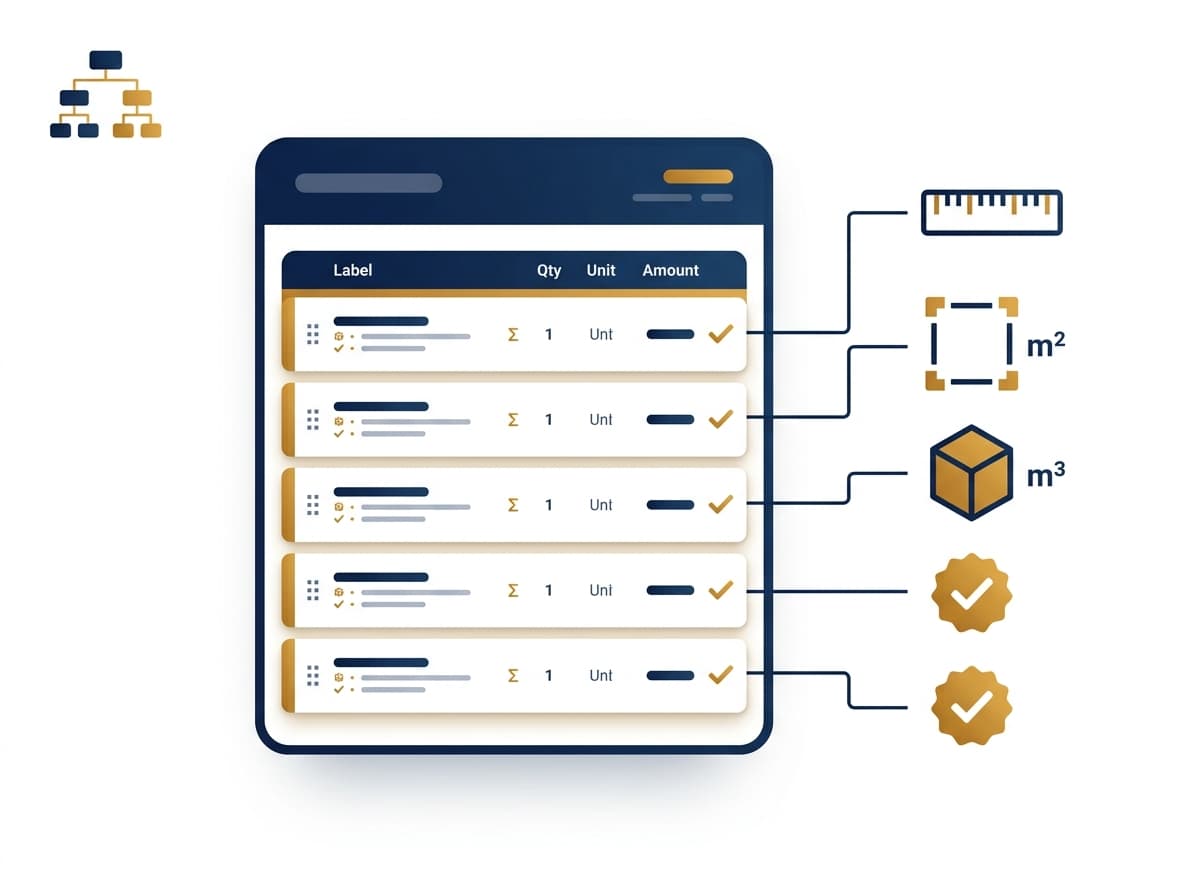
Quantity calculation relies on precise physical measurement based on each item's nature:
Areas (flooring, paint) are measured in square meters
Concrete is measured in cubic meters
Cables and pipes are measured in linear meters
Special fittings (fixtures, accessories) are measured by piece
A core rule to always follow: deduct opening areas (doors and windows) when calculating wall areas, and never combine a supply item with an installation item into one number, so payment terms stay flexible later. Just as important, every item in the schedule must match the actual specification shown in the drawings — a schedule can't list standard plastic paint while the drawing calls for marble cladding.
Take-off accuracy isn't just about getting the numbers right — it directly affects the project schedule too, since every quantity is tied to a specific execution period and financial resource. By continuously comparing estimated quantities against actually executed quantities, you can catch deviations early and act before they turn into delays or budget waste.
How Do I Build a Construction Materials Quantity Schedule in Excel?
To build a construction materials quantity schedule in Excel, the core columns you need are:
Item code
Item description (matching the specification exactly)
Unit of measurement
Quantity
Unit rate and total (at the pricing stage)
Organize the schedule by work package (civil, architectural, electrical, mechanical) instead of listing every item sequentially with no classification, and link the total column with an automatic formula. Don't forget the "Preliminaries" item — temporary offices, insurance, scaffolding — since it's often overlooked despite being a core part of the cost.
For a large project with a high item count, it's best to split each work package into its own sheet rather than putting everything into one long sheet, making review easier and reducing the chance of errors during edits.
Quantity & Specification Schedule Template in Excel
If you need to add a technical specification column next to each item (material type, brand, reference) rather than just quantity and unit, that turns it into a "quantity and specification schedule" rather than a plain BOQ. This addition matters especially for finishing items, since it prevents later disputes over the agreed material type during execution. If you want to go deeper into the full template step by step, we've dedicated a separate detailed guide to it.
Quantity & Specification Schedules in PDF
Once the schedule is finished and reviewed, it's usually converted to PDF before being attached as part of the tender documents sent to competing contractors. This version stays fixed and non-editable, ensuring every contractor prices exactly the same version with no later edit affecting the fairness of the bid comparison.
The added benefit of the PDF version is that it's kept as a fixed reference in the project archive, so if a dispute later arises over a specific item, going back to the original version is easy and reliable, with no concern that someone edited it after signing.
How Moonsab Handles This Step
In Moonsab, the bill of quantities isn't a file separate from the rest of the tender cycle — it's part of an estimate tree built on a Work Breakdown Structure (WBS). The project breaks down into clear hierarchical levels, for example: project → mechanical works → HVAC system → chilled water circuits → pumps. Each level (WBS Element) is linked directly to the Bid and its Bid Items, so you see the entire quantity tree on a single screen instead of scattered files.
You can explore this capability in more detail on the Moonsab features page, and see how the item pricing stage follows on from it in our Item Pricing article.
Common Mistakes in the Saudi Market
Item descriptions in the schedule not matching the actual specification in the drawings, causing disputes with the owner during execution
Forgetting to deduct opening areas when calculating wall areas, inflating quantities and skewing pricing accuracy
Combining a supply item with installation into one number, losing the schedule's flexibility during payment and review
Omitting the preliminaries item from the total cost, despite it being a core part of any project's budget
Relying on a single Excel file with no link to the tender and pricing cycle, making it hard to track later edits or compare estimated to actual
Upload your quantity schedule and try pricing it directly on Moonsab.